
ADF PRO™ is a software solution for rapid preview & triage of smartphones, computers and storage devices. ADF PRO is user-friendly and designed for front-line law-enforcement, analysts, and forensic examiners.
Mobile Devices
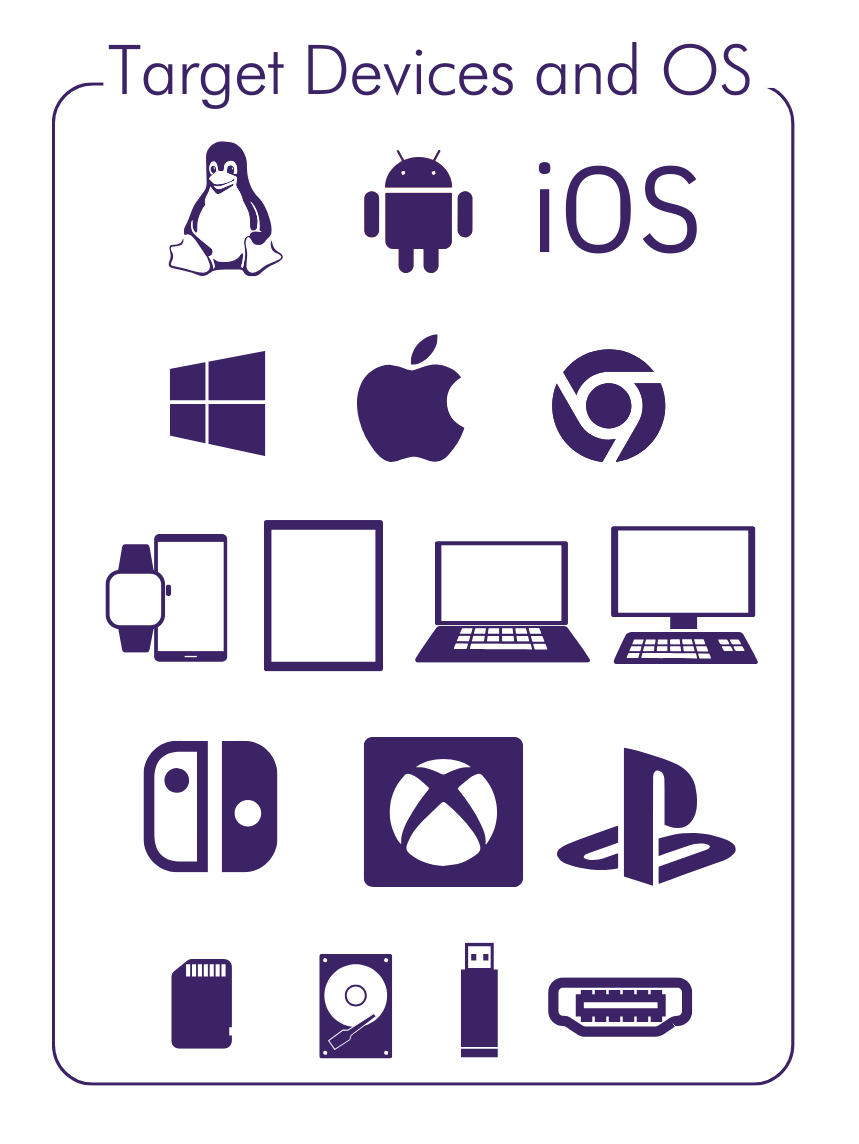
- Fast acquisitions
- Scan multiple devices at a time
- Live Preview evidence with profiling in seconds
- Screen & video capture with audio & OCR
Computer and External Devices (USB, SD Cards, etc.)
- Windows, Mac, Chromebook, & Linux
- Capture RAM to acquire volatile memory
- Boot, Live, and Remote Agent scan capabilities
- Stealth Mode (Live scan)
- Live Preview evidence with profiling in seconds
- Use Built-in or Custom Search Profiles
- Real-time keyword search, filtering & profiling
- HDMI, Internal, and Attached Camera Capture
- Process forensic image files
Analysis
- Integration with Project VIC and CAID datasets
- Image-based classifications (CSAM, People, Portraits, Weapons, Currency, Vehicles, Upskirting, Bestiality, Scanned Docs)
- View relationships between files and artifacts
- Search keywords, regular expressions, hash values, and PhotoDNA
Report
- Portable standalone viewer for distribution
- Export formats: HTML, CSV, PDF, and KML
- Export Files in JSON for 3rd party apps
Options
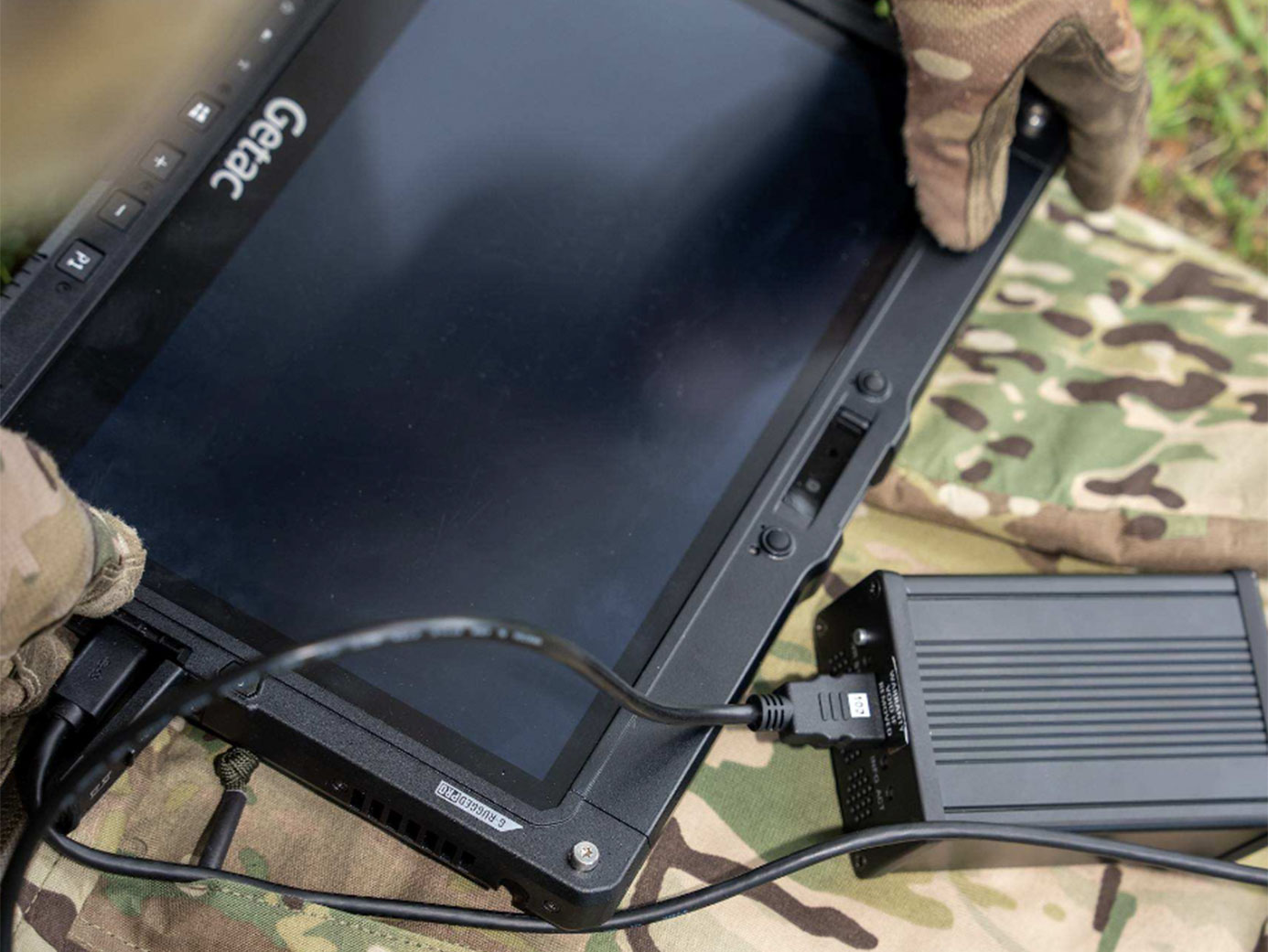
- Rugged Field Tablet Kits
- Flexible Training Options
Intro to ADF PRO
ADF PRO enables investigators to triage mobile devices and computers directly on scene. Built-in machine learning automatically classifies images and videos of potential interest — including suspected CSAM — helping investigators quickly prioritise relevant evidence and make informed decisions in the field.
Product Description
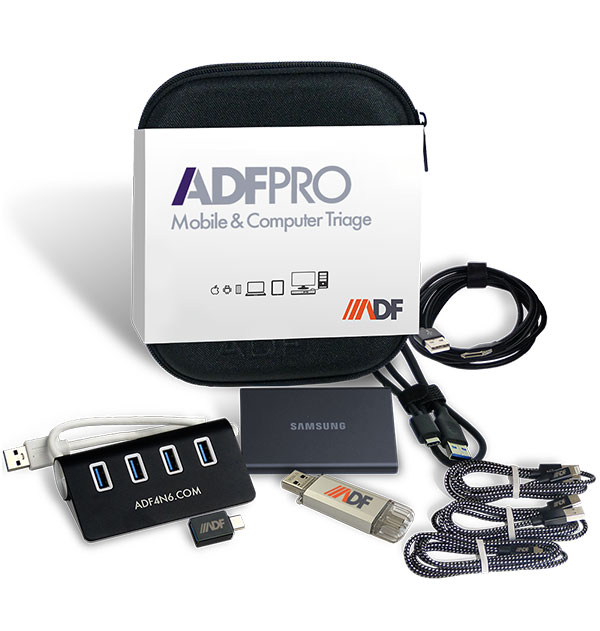
The ADF PRO Kit Includes:
- One Licensed ADF PRO Software Authentication Key
- One Portable Travel Case
- One 1TB SSD Collection Drive
- One 4 Port USB Hub
- One USB-A to iOS Lightning Cable
- One USB-A to MicroUSB Cable
- One USB-A to USB-C adapter
- One Adapter USB-C to Ethernet and 3 USB-A
- One Ethernet Cable
- One USB-A to USB-C Cable
- One USB-C to USB-C Cable
- One HDMI Capture Card
- One HDMI Cable
- One Bluetooth Dongle
- Software Maintenance and Support
Technical Specs
Recommended Technical Specs:
- Windows 11 64-bit
- Intel i7 CPU or higher
- 16 GB of RAM or higher
- 500 GB PCIe NVMe SSD
- 5TB for acquiring suspect data
Certified Training
ADF Solutions digital forensic experts designed the ADF PRO Certified User training to equip both technical and non-technical investigators with the knowledge and skills they need to use ADF PRO to immediately extract conclusive intelligence and evidence from mobile devices, computers, and digital media.
Course Length
20 Hours: Learners typically take approximately 20 hours to successfully complete the exercises and the final certification exam.
Course Outline
- Introductions and getting started with ADF PRO
- Triage and field use cases
- Preserving digital evidence and the boot process
- Installation and preparing a collection key
- Introduction to the ADF PRO user interface
- Case Study 1: Child Exploitation – Quick Scan
- Hands on – Mobile Preview
- Hands on – Screencasting and HDMI capture
- Hands on – Collecting Files and Targeted Extraction
- Hands on – Acquire and Image
- Hands on – Search profile Customizing
- Case Study 2: Child Exploitation – Targeted Folders / Hashing
- Case Study 3: Internet Scam – Keywords
- Case Study 4: Suspected Terrorism – Profile creation
- Hands on – File Identification
- Hands on – Case Study 5: Search Profile Lab
- Advanced Concepts
- Final Exam
Interview with ADF CEO J.J.Wallia on the Evolution of Digital Forensics with Triage